

The article outlines the operational framework of Communicada, a comprehensive digital platform designed for hosting virtual and hybrid events.
Abstract
The core innovation of this system is the deliberate separation of logistical event details, such as scheduling and pricing, from the actual multimedia content. Users store their videos, images, and text within a dedicated Media Manager, which functions as a central repository for creative assets. This architectural choice allows organisers to reuse content across multiple schedules or on-demand services without the need for repetitive uploads. By decoupling the technical event parameters from the visual media, the platform significantly streamlines the workflow for administrators. Ultimately, this approach saves time and ensures that high-quality presentations can be replicated efficiently for various audiences.
In this short tutorial, we will focus on one of the concepts that can save event organizers many hours, which are usually spent on organizing material and repetitive uploading:
It is the separation between events and their media.
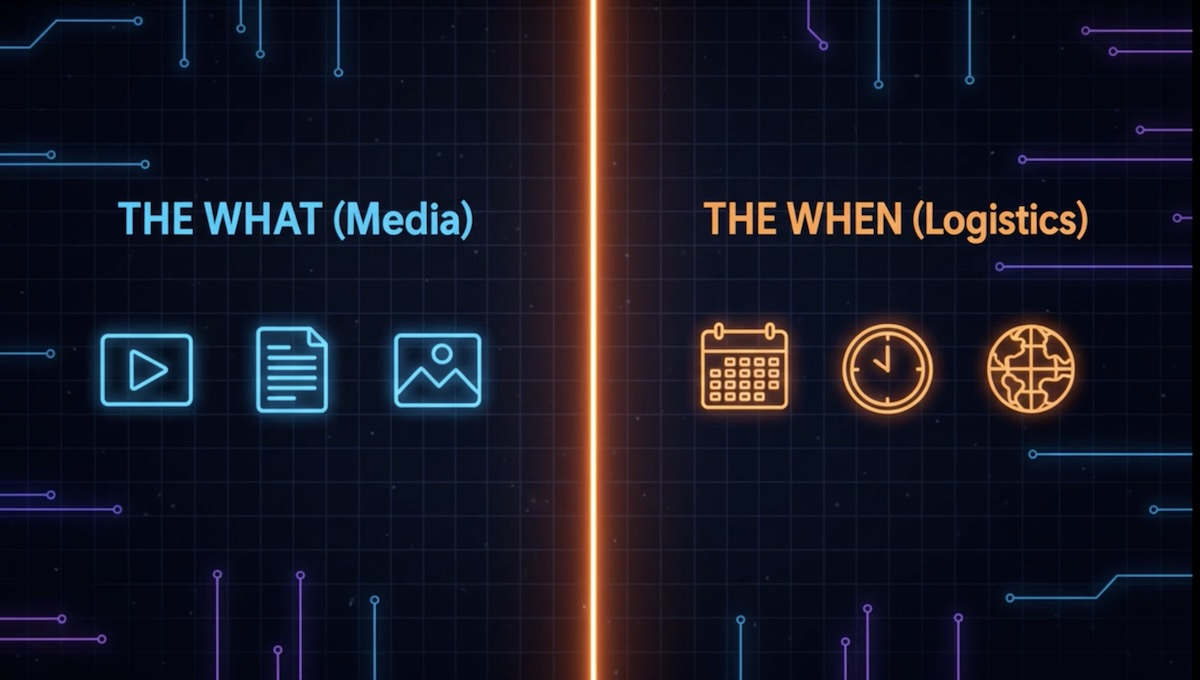
In Communicada, we separate between the event details (logistics – i.e date, time etc) and the media involved in it (text, video, images).
Why is it actually more efficient?
First, What is an Event on Communicada?
An Event always has start and end times. There’s no limit to the length of an event. It can be anything from one hour to even few years. But still – an event always has distinct start and end times.
Beyond the time, an event on Communicada also includes some very important details, we’ll name a few of them:
- when can guests register?
- is it free? Is it paid?
- if paid, are there discounts?
- is it limited to certain territories?
- is the event virtual, in-person or both? (hybrid)
All these and more are included in the Event page.
Events have always some media attached to them. That can be texts, images and videos.
Those elements of the event – namely text, videos and images, are stored in the Media Manager. You can relate to it like a storage room, with editing and layout capabilities. The public has no direct access to the Media Manager.
So how can the event guests finally watch the videos and read the texts that are stored in the Media Manager?
This is done by attaching a media item to an event.
The minute you, as admin, attach media (video, image text) to an event page (dates, price etc.), the event page gets a graphic representation which is much more appealing than a technical form.
But we still didn’t explain WHY we separate the media items from the event technical details! After all, it we want the page designed, we can simply provide editing tools in the event page, right?

Why Media and Events are Split?
This is where Communicada’s unique concept comes into play: you can reuse the media elements in multiple eventswithout the need to edit them again or upload the video again and again. All you need to do is create a new event, attach the existing media item from the media manager and you’re done!
For example, you have a show, performance, a webinar or a film you’d like to show multiple times to different audiences. All you need to do is to createONE media item and each time you create anew event, it would take no more than 1-2 minutes to publish it, because the texts, images and videos are already there, in the Media Manager, carefully edited in advance!
Another great use of the Media Manager is in the On Demand feature on Communicada. While events are live, On Demand can be accessed at nay time, as pre-recorded events. Here again, you can use the same media item you used for the event, in the On Demand.
That way, Communicada saves you a lot of time, which would be otherwise spent or on recreating designed pages again and again.

